Your rates, instantly

Your whole rate plan, from one zip code.

Enter your zip and SolDial finds your utility and plan from ~50,000 published rate schedules — then knows your NEM vintage (1.0, 2.0, or 3.0), your time-of-use windows, and your export credits. No PDF spelunking.

Every kWh you pull, store, or send back is priced with your real numbers — so savings and bill projections are actually accurate.

NEM 1.0 / 2.0 / 3.0  ·  TOU-aware  ·  Export credits
Beautiful by default

Weather and time of day, rendered gorgeously.

The dial paints itself with live local weather and the real position of the sun and moon — sunrise gold by day, deep starlit blue by night. Your system monitoring has never looked like this.

It's not decoration for its own sake: the same weather that makes it beautiful is the weather driving your forecasts and automations.

Live weather overlays  ·  Real sun & moon position
Every timeframe

From multi-year history to this minute.

Zoom from years of history all the way down to today's per-minute pacing — actual solar vs. expected, live, as the day unfolds. See exactly how today is tracking against the forecast.

Savings and cost insight tally against your real utility billing cycle, not the calendar — so "this month" finally means what your bill means.

Day → year → multi-year  ·  Pace vs. expected  ·  Billing-cycle savings
Tuned to you

Calibrated to your roof — automatically.

On first load — or the moment you cross a year of history — SolDial runs a one-time, per-system calibration that aligns the forecast to your actual production, not a generic model.

It blends a physics model of your real solar strings (via NREL PVWatts) with hyperlocal weather from Open-Meteo and the National Weather Service. The longer it watches, the sharper it gets. How the forecast works →

One-time, automatic  ·  Per-string aware  ·  Self-sharpening

The whole system

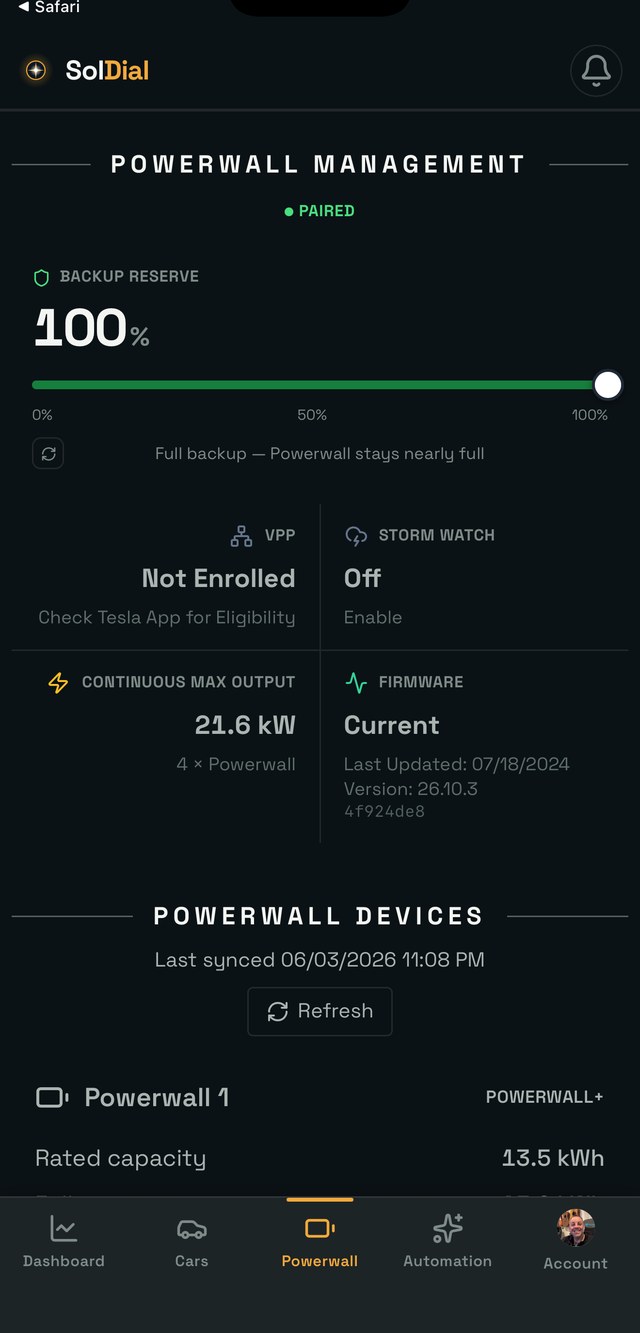
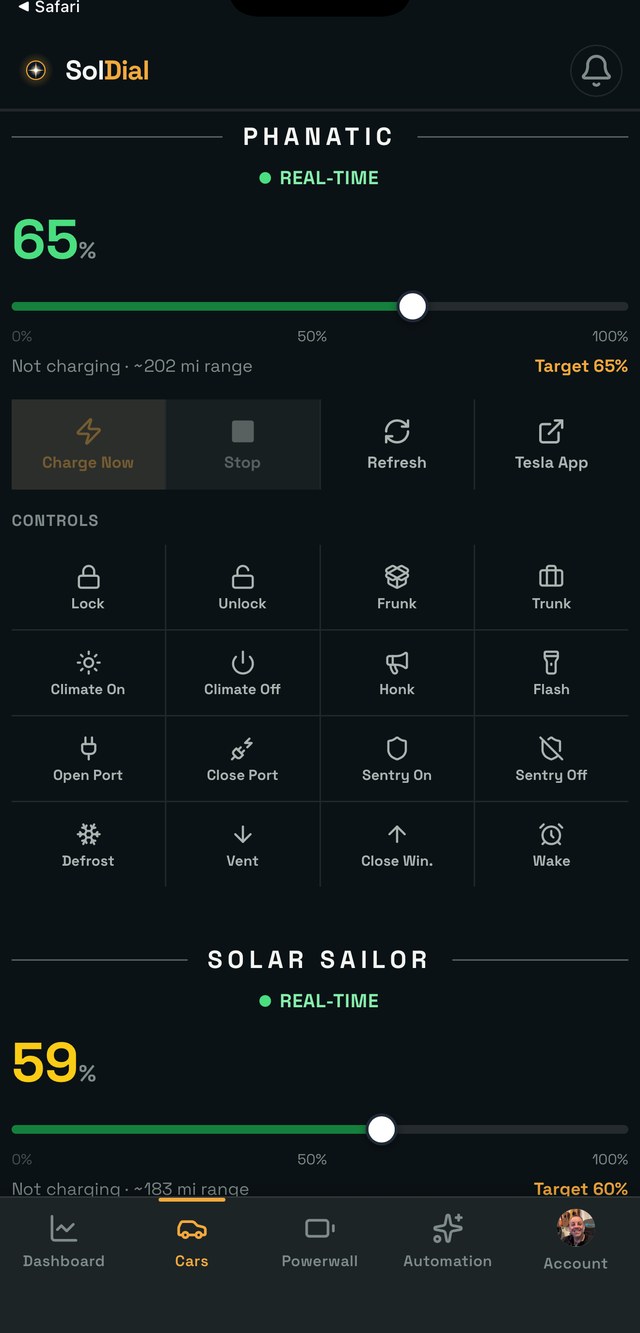
One app for everything Tesla energy.

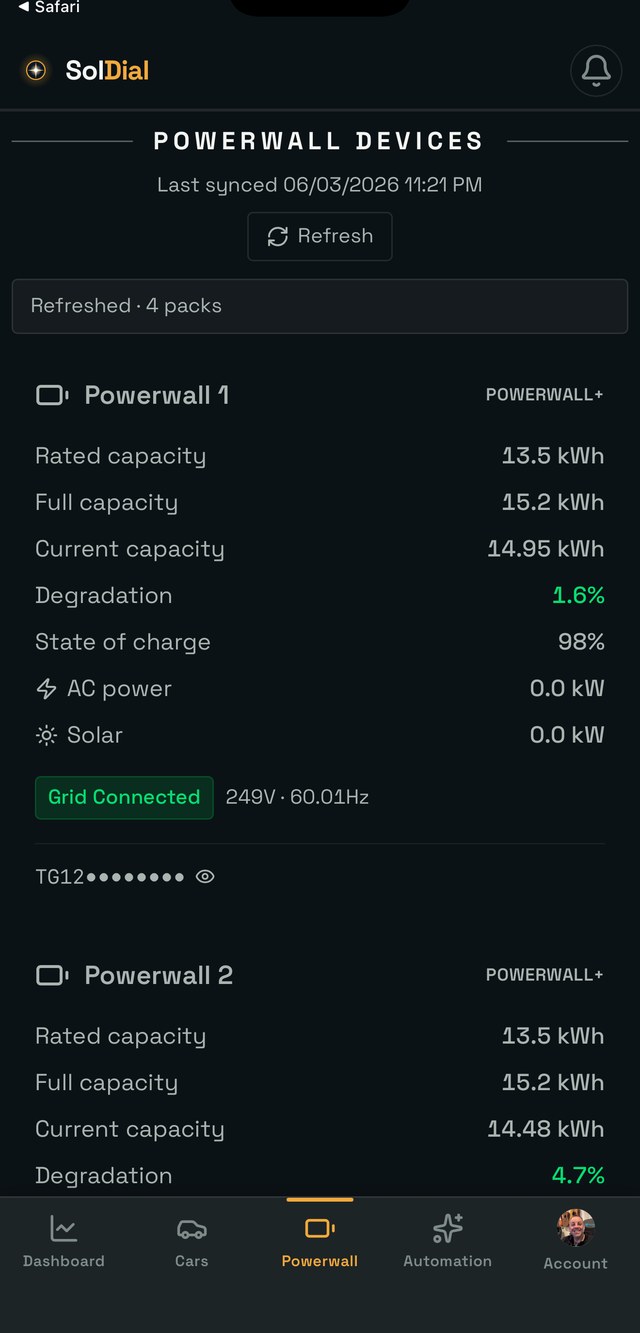
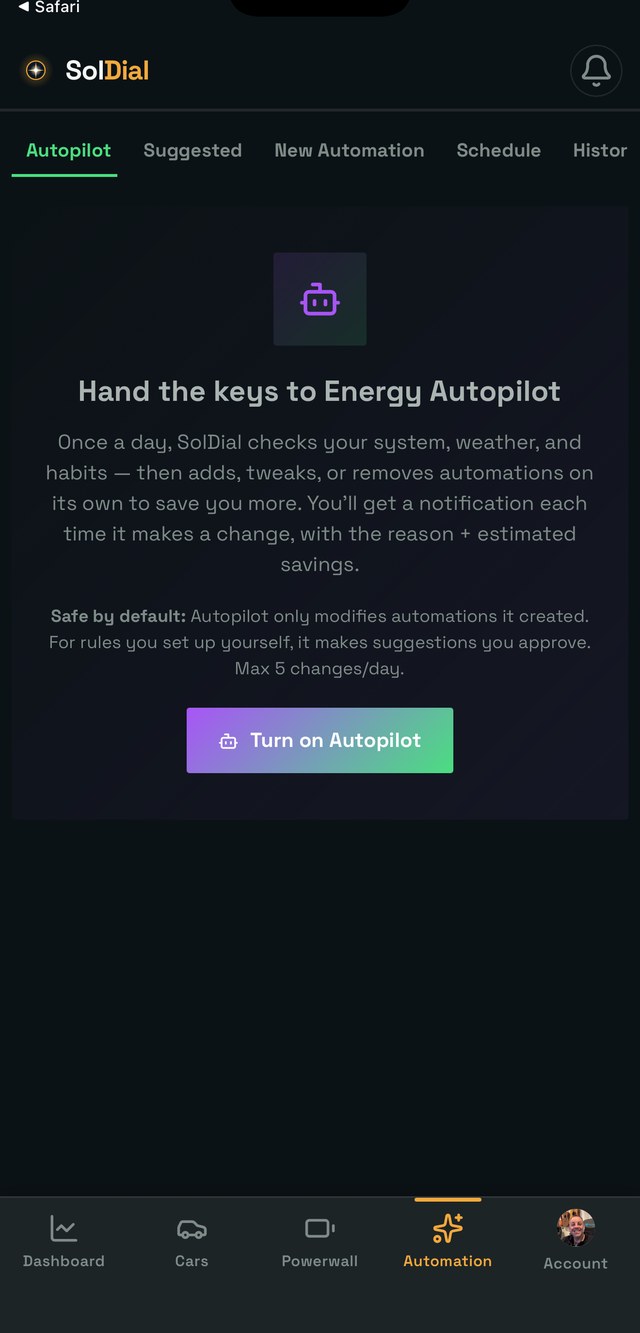
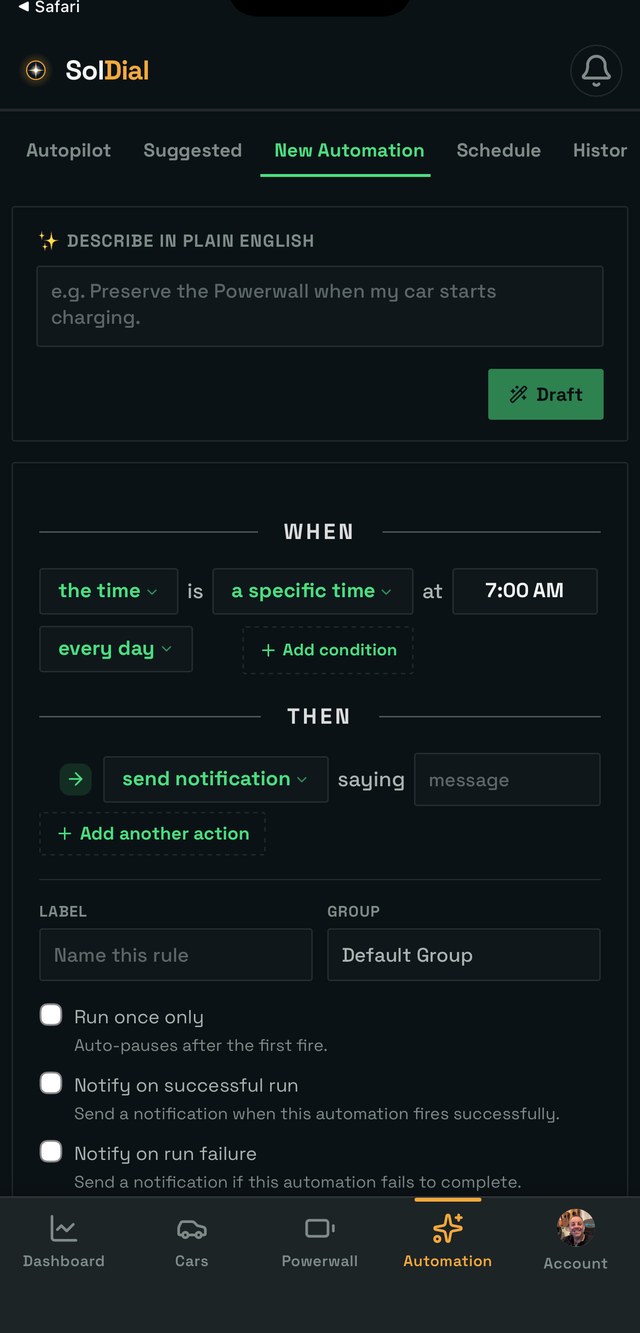
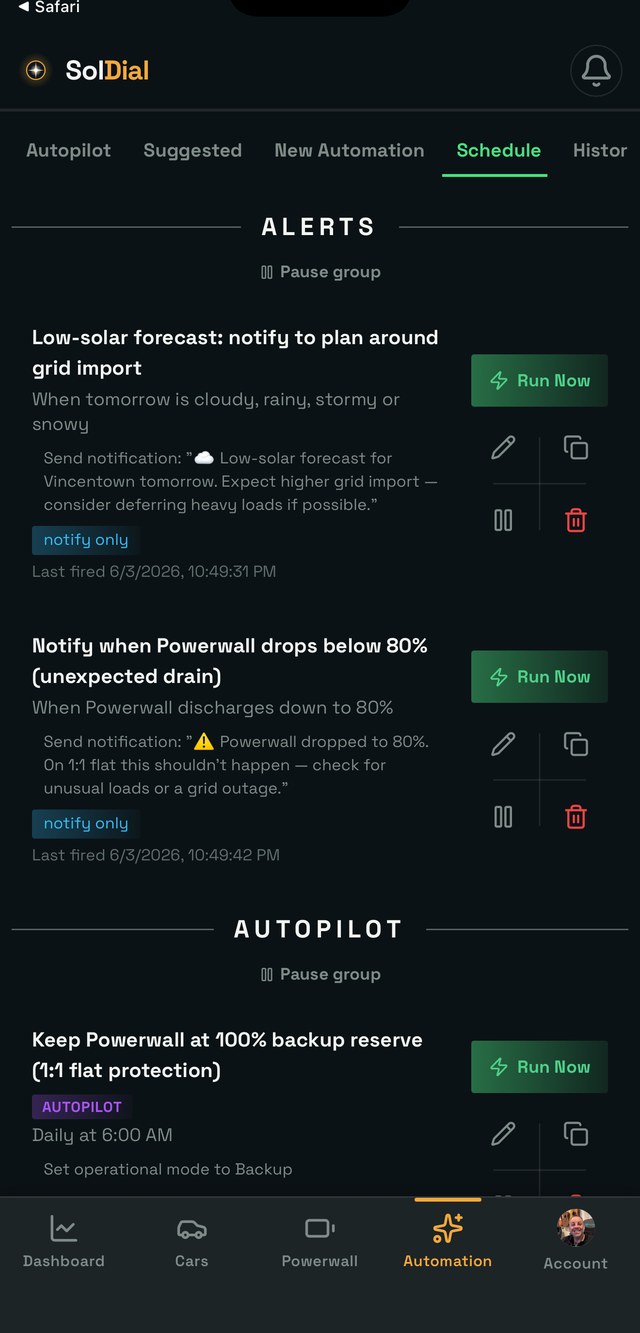
Cars, Powerwalls, packs, AI Autopilot, and automations that run themselves — all in a single, beautiful place.
On your wrist

Take the dial with you.

SolDial runs on Apple Watch and Wear OS — the live power-flow dial, under your actual sky, one glance from your wrist.

Apple Watch & Wear OS

The whole system, one glance.

Solar, home, grid, and Powerwall charge on a live dial that paints itself with beautiful imagery that matches your weather and time of day, as well as the phone app — the actual position of the sun and moon, golden by day, starlit at night. Swipe up for Today, This Month, and your Billing Month for solar generation, home usage (including cars), Powerwall totals, and net import/export.

Watch-face complications for all four numbers, glanceable tiles on Wear OS, and a Smart Stack card on Apple Watch. Pairing takes one 6-digit code from the phone app — no signing in on the watch.

Live dial  ·  Today / This Month / Billing Month  ·  Tiles & complications
watchOS
Wear OS

On your Home Screen

Your energy, before you even open the app.

Home-screen widgets for iPhone and Android — today, this billing period, or the last 30 days, with your own Powerwall drawn in behind the numbers.

iPhone & Android

Glanceable by design.

Three wide Energy Glance widgets, one each for Today, your Billing period (with the day count) and the Rolling 30 days: the Powerwall charge ring, solar vs. expected, money saved, self-powered % and net grid, on one card.

Five single-stat minis, Powerwall Charge, Solar Today, Saved Today, Self-Powered and Net Grid, each with a 14-day trend line that turns green, blue or red as the number improves, holds or slips.

Behind every card, a faint silhouette of your own system: a Powerwall 2 or a Powerwall 3, whichever you have. Part of SolDial Pro, on both platforms; add one from your home screen’s widget picker and it quietly keeps watch.

3 Energy Glance periods  ·  5 single-stat minis  ·  14-day trends  ·  PW2 / PW3 silhouette

On your computer

The same system, on a screen that fits it.

Open app.soldial.com on a desktop and SolDial lays itself out for the room — the live dial at full height, your Energy Chart beside it, and every analysis card in a grid you arrange yourself.

SolDial on the web: live power flow dial, Energy Chart, and analysis cards on a desktop browser
Part of SolDial Pro

An extension of the app, not a replacement.

Everything you watch on your phone, sized for a monitor: power flow under your real sky, the Energy Chart you can blow up full screen, Monthly and Yearly analysis side by side, plus your cars, Powerwalls and automations. Drag the cards into the order you want and it remembers.

You still set SolDial up in the app — connecting Tesla, pairing your Powerwall, widgets, the watch and notifications all live there. Sign in on the web with the same account and your system is simply there too.

Live power flow  ·  Full-screen charts  ·  Cars, Powerwalls & automations  ·  Your layout, remembered

By voice

Ask Alexa. It answers with your numbers.

SolDial for Powerwall is an Alexa skill. Ask about your battery, solar, savings or cars, change a setting and hear it read back first, or say one line and get the whole morning: the energy briefing.

Amazon Alexa

Your whole morning, in one question.

“Alexa, ask SolDial for my energy briefing” runs through the day in the order you can act on it. Anything wrong comes first — a system that stopped reporting, a lost Tesla connection, Storm Watch holding a full charge — and on an ordinary morning that part is silent. Then today’s solar against what was expected and where it’s tracking to finish, what you’ve imported, exported and paid so far, tomorrow’s weather and what it means for the panels, then yesterday and the billing period to date. Each period ends with how self-powered you were.

Or ask about one thing: how full the Powerwall is, what solar is making right now, what you saved last month, when today’s cheapest prices are, whether the car is charging. Three settings take voice commands — backup reserve, a car’s charge limit and the operating mode — and every one is read back and waits for your yes before anything is sent to Tesla.

Energy briefing  ·  Battery, solar, savings, cars  ·  Read-back before every change  ·  Part of SolDial Pro  ·  Set it up →
“Alexa, ask SolDial for my energy briefing.”
SolDial

Today your system generated 4.7 kilowatt hours of an expected 68 kilowatt hours, tracking to finish near 66 kilowatt hours. You’ve imported 13 kilowatt hours and exported 2.3 kilowatt hours, a net import of 11 kilowatt hours, and it’s cost you about 3 dollars and 5 cents so far. Today so far you’ve been 14 percent self-powered.

Tomorrow looks rainy, high of 61, 71 percent chance of rain — expect around 25 kilowatt hours, roughly 61 percent below today.

Yesterday your system generated 62 kilowatt hours, imported 52 kilowatt hours and exported 38 kilowatt hours, a net import of 13 kilowatt hours, costing about 3 dollars and 78 cents. Yesterday you were 26 percent self-powered.

So far this billing period your system has generated 933 kilowatt hours of solar, imported 1,019 kilowatt hours and exported 515 kilowatt hours, a net import of 504 kilowatt hours, and it’s cost you about 143 dollars and 49 cents so far. This billing period so far, you’ve been 27 percent self-powered.

A real briefing from the founder’s own system, asked at 8:40 on a September morning. Yours reads from your numbers, your rate plan and your weather.

Under the hood

Connected to the data that makes it possible.

SolDial fuses official, best-in-class data sources most apps never touch — so your numbers are real, not guesses.

Tesla Fleet API
Live vehicle & energy data plus securely-signed commands.
Tesla Fleet Telemetry
Real-time streaming for sub-second power-flow updates.
NREL PVWatts
Physics-based solar modeling from your real string layout.
Open-Meteo
Hyperlocal weather & irradiance for solar forecasts.
National Weather Service
Official US forecasts & severe-weather alerts.
OpenEI URDB
~50,000 utility rate plans for one-zip rate matching.
Anthropic Claude
The AI advisor that builds and explains your strategies.
NEM 3.0 ACC engine
Time-varying export values, vintage-locked to your PTO year.
Your Powerwall, locally
Direct LAN pairing for per-string inverter detail.

Your Solar, Powerwall, and Teslas,
beautifully automated everywhere you are.

The most stunning way to see your entire energy system — set up in minutes from a single zip code, then run end to end on autopilot. Solar, storage, and every car, finally working as one.

1.81 GWh
Solar generation tracked
188
Automations created by members
$3,700+/yr
Est. savings running on autopilot
1,130
Automated actions taken on members’ systems

Switching?

Coming from NetZero?

Upload screenshots of your NetZero automations and SolDial rebuilds them — review each rule, keep what you like. Your first month of Pro is free when you switch. And if it’s not for you, nothing touches your NetZero setup.

See how switching works →

Pricing

Start free. Upgrade when SolDial pays for itself.

Free live monitoring forever. Pro is $4.99/month or $29.99/year with a 7-day free trial, cancel anytime.

Your store, your currency

United States$4.99/mo · $29.99/yr
United Kingdom£4.99/mo · £29.99/yr
AustraliaA$7.99/mo · A$49.99/yr
CanadaC$6.99/mo · C$44.99/yr

Billed by Apple or Google in your local currency. Prices outside the US include local tax — UK VAT, Australian GST, Canadian GST/HST.

See full pricing and plan comparison →

Be one of the first to run it.

Available Now on the App Store and Google Play.

Get in touch

Questions? We'd love to hear from you.

✓ Thanks — we'll get back to you soon.

SolDial is an independent third-party application and is not affiliated with, endorsed by, or sponsored by Tesla, Inc. Tesla®, Powerwall®, and all related marks are trademarks of Tesla, Inc. All other trademarks are the property of their respective owners.